Personal
Free
- Every feature
- No account needed
Version 27.3 · macOS 26 or later · Free


STAGEit Creator for Mac
Turn existing presentations and new ideas into immersive experiences. Build, animate and refine your story on Mac.
Download for MacSTAGEit Creator for Mac is the presentation app for immersive presentations. Build scenes, animate the reveals and run the show with a mouse and keyboard, the way you already make slides. Then present on Apple Vision Pro or Meta Quest*, where your audience stands inside the story.
*Meta Quest support coming soon
Start with PowerPoint or Keynote.
Add depth, movement and atmosphere.
Review your scene on Vision Pro.
Bring in PowerPoint or Keynote and develop it inside STAGEit. Add spatial content and animation as your story takes shape.
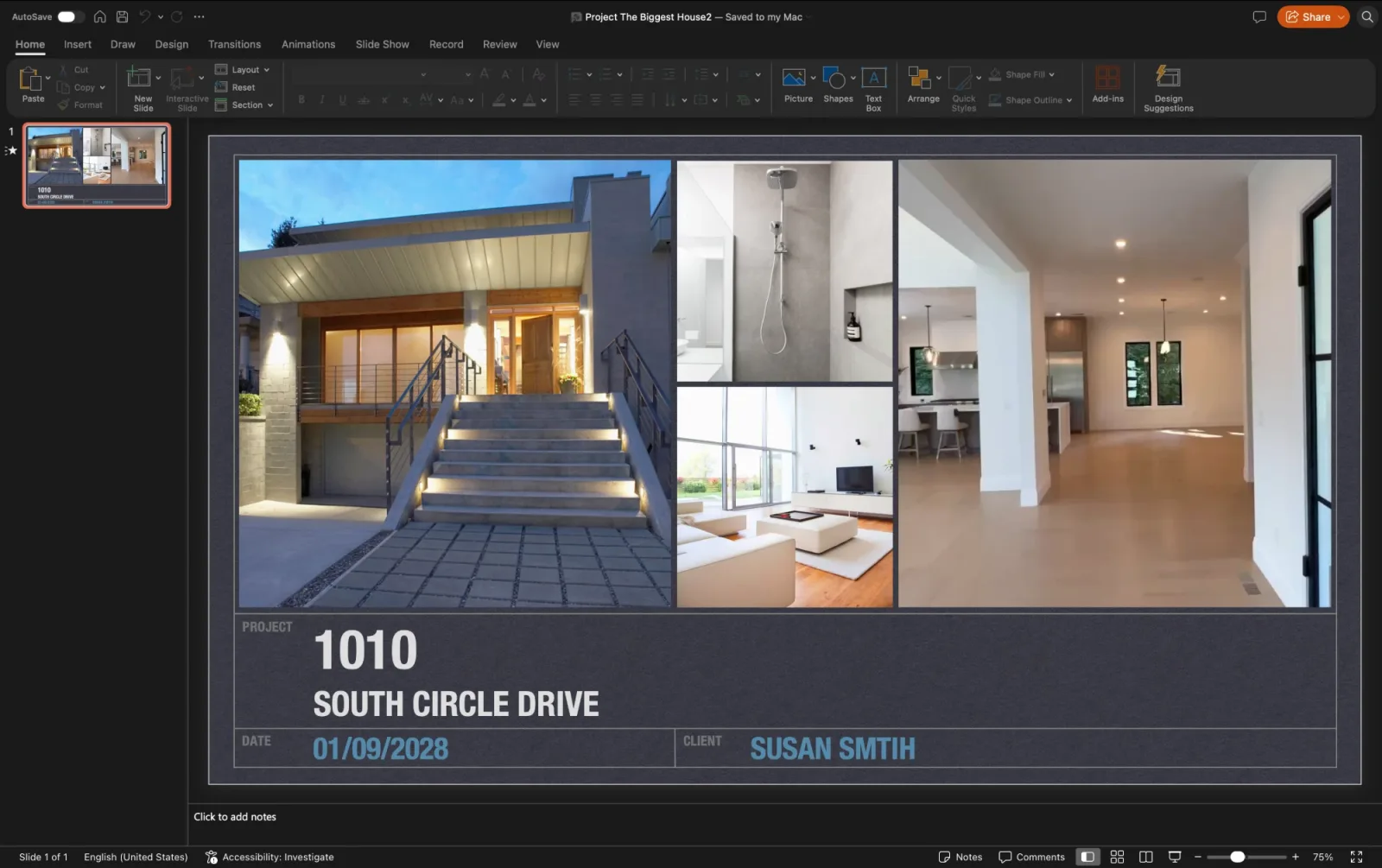
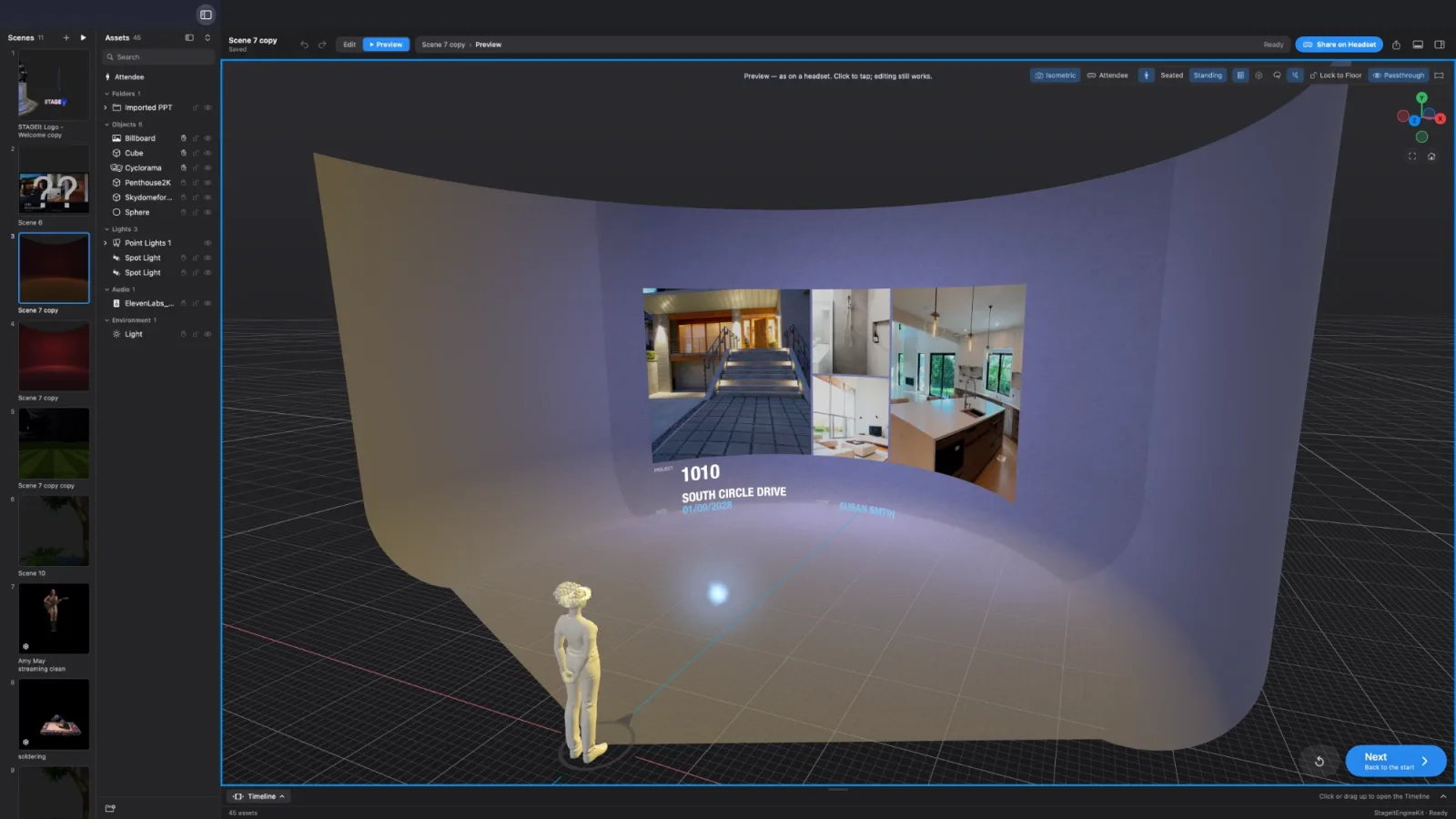
Familiar content. New possibilities.
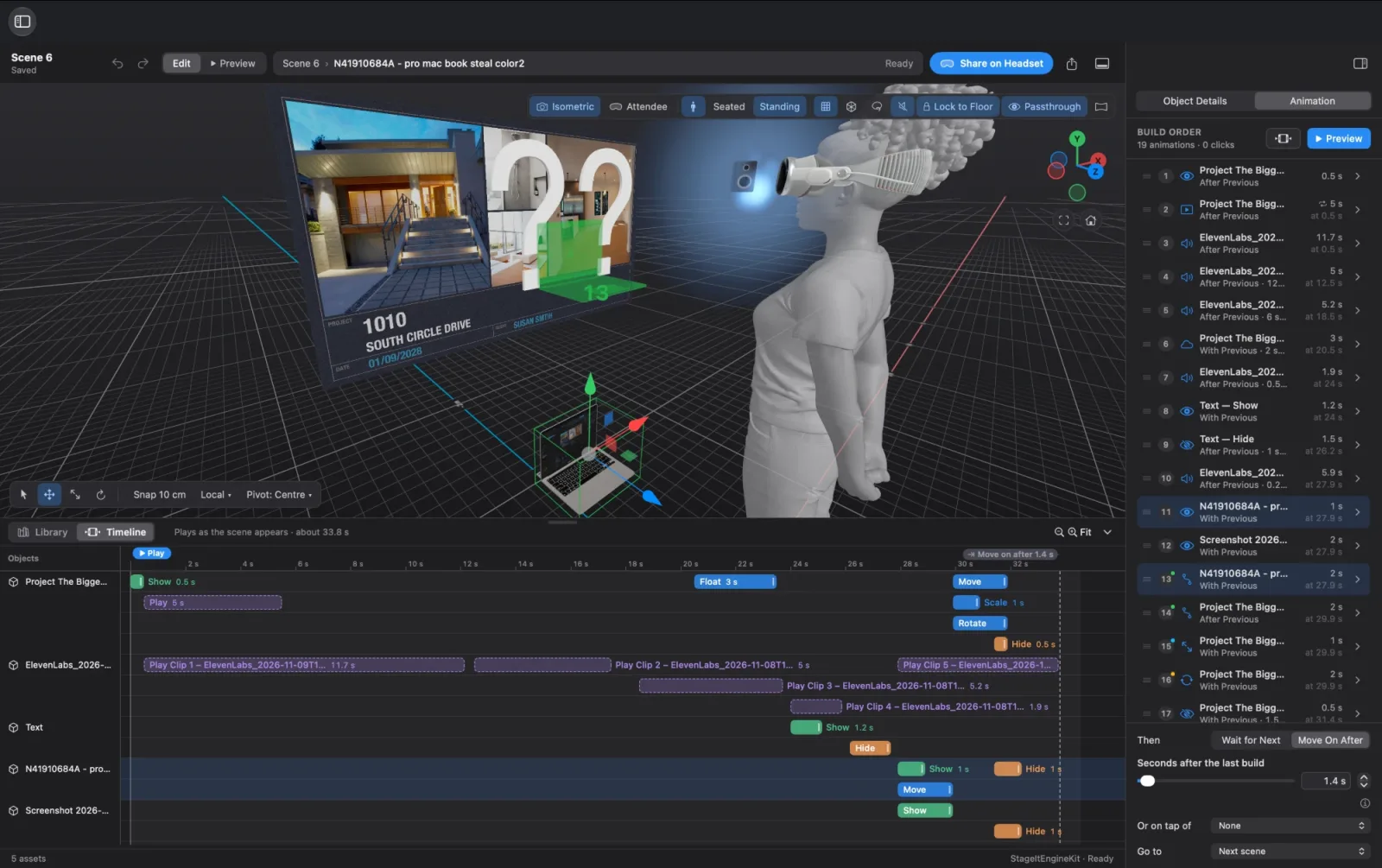
Fade in text, introduce images and animate 3D models. Sequence your content to guide attention and tell your story one step at a time.
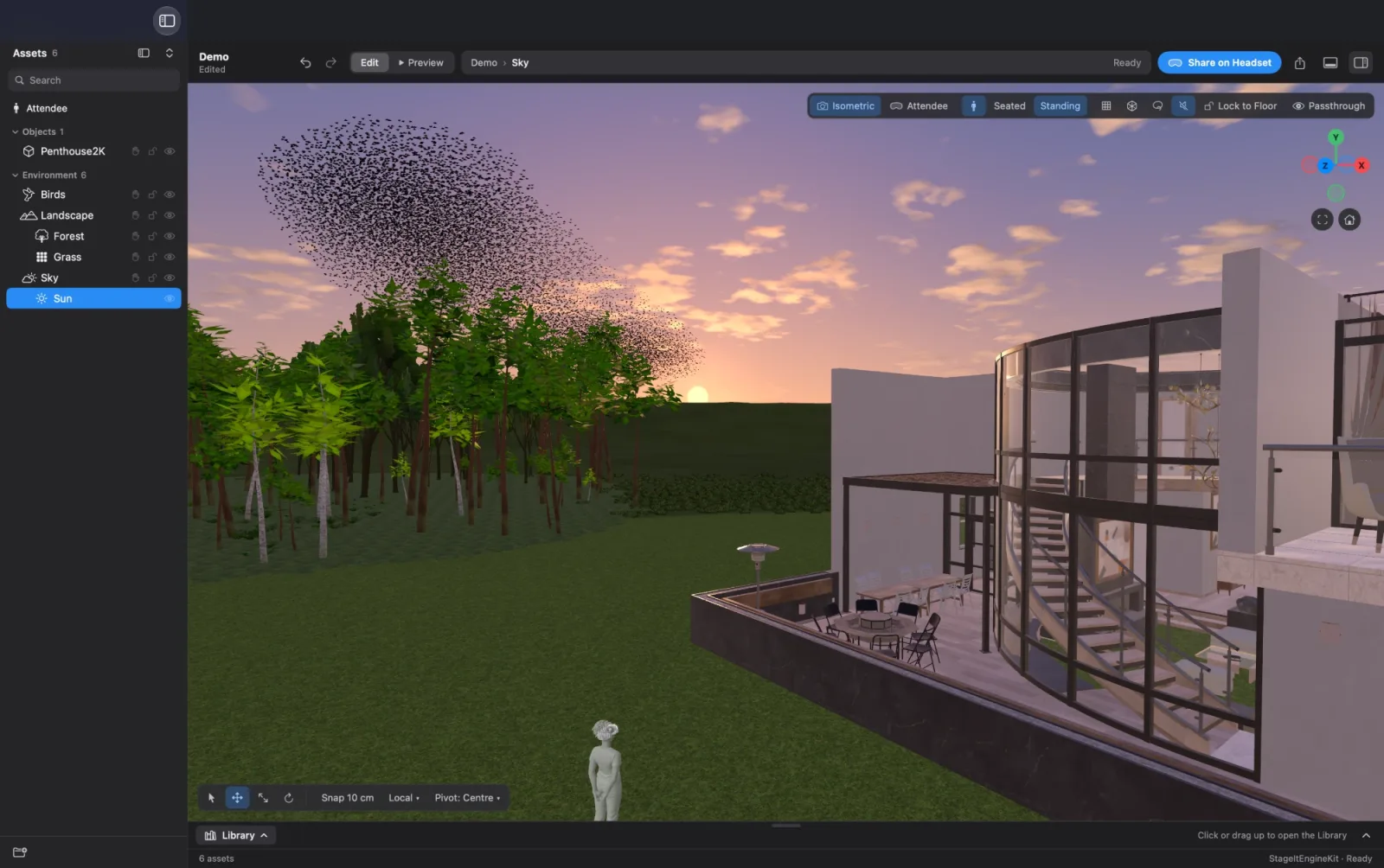
Combine 3D models, video and Gaussian Splats. Shape the surroundings with landscapes, forests and grass under a living sky, giving your presentation a world of its own.
Connect Creator on Mac with Creator on Apple Vision Pro over your local network. Review the experience together and refine it as you go.

Click Share on Headset and your Mac becomes the host. Guests in Apple Vision Pro or Meta Quest* headsets running STAGEit Presenter join your show. On Vision Pro, no Guest User is needed.
*Meta Quest support coming soon
Together or at their own pace
Move everyone through the story in sync, or let each guest explore a self-running presentation — perfect for events.
The same place for everyone
A STAGEit Marker lets every guest see the same thing in the same place.
On the big screen
Plug your Mac into a projector so the room sees what your guests see. See where everyone is and run the show — or control it from your iPhone or iPad.

Personal is free. Work plans for teams are coming soon.
Free
Version 27.3 · macOS 26 or later · Free
Coming soon
Coming soon
Already have a hosting plan from STAGEit on Apple Vision Pro, iPhone or iPad? Sign in with the same Apple account and it works on your Mac too.