

Optimise, createand send spatialcontent fromyour Mac.
STAGEit Optimiser is a Mac companion for spatial creators. Prepare complex 3D models for Vision Pro, turn images and videos into animated Gaussian Splats, and send them wirelessly into your STAGEit scene - no AirDrop, no manual transfers, and no leaving your scene.
Get STAGEit Optimiser
Built for our R&D. Shared with the community.
STAGEit Optimiser started life as an internal development tool at Spatial Creative. As it grew, we found ourselves building tools we thought would be useful to other spatial developers too - so we made it available for free.
It remains an evolving R&D tool where we experiment with new spatial workflows and make the useful ones available to the wider community.
Three ways to make your spatial workflow faster.
One app. Three faster ways to work.
Create animated Gaussian Splats from images and videos, optimise complex 3D models for Vision Pro, and send content wirelessly into your STAGEit scene. STAGEit Optimiser brings it all together on your Mac, reducing tool switching and manual transfers from creation to delivery.
-

Optimise
Prepare complex 3D models for performant spatial experiences.
-

Create
Turn images or videos into animated Gaussian Splats for people and objects.
-

Send
Connect directly to STAGEit and send content wirelessly into your scene.
Optimise complex 3D models
Great-looking models can be surprisingly heavy.
Whether you've created a model yourself, downloaded one from a 3D library, or generated it with AI, complex geometry can make it difficult to use effectively on Apple Vision Pro. STAGEit Optimiser helps you identify where your model can be simplified, without simply applying a blanket reduction to everything.
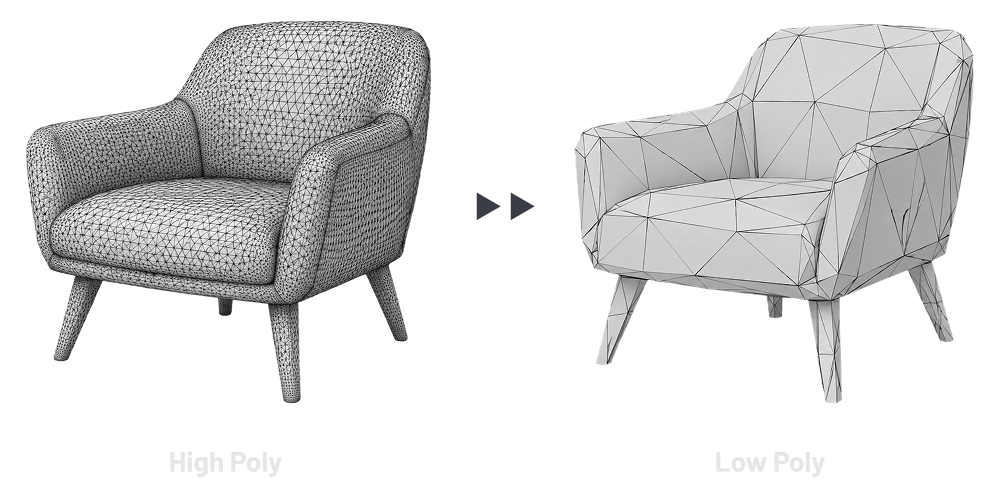
How Optimise works
-

Analyse
STAGEit Optimiser identifies geometry and structure that can be optimised.
-

Review
Review the recommendations and choose which optimisations you want to apply.
-

Optimise
Apply your selections and export an optimised USDZ, ready for your Vision Pro workflow.

See the difference
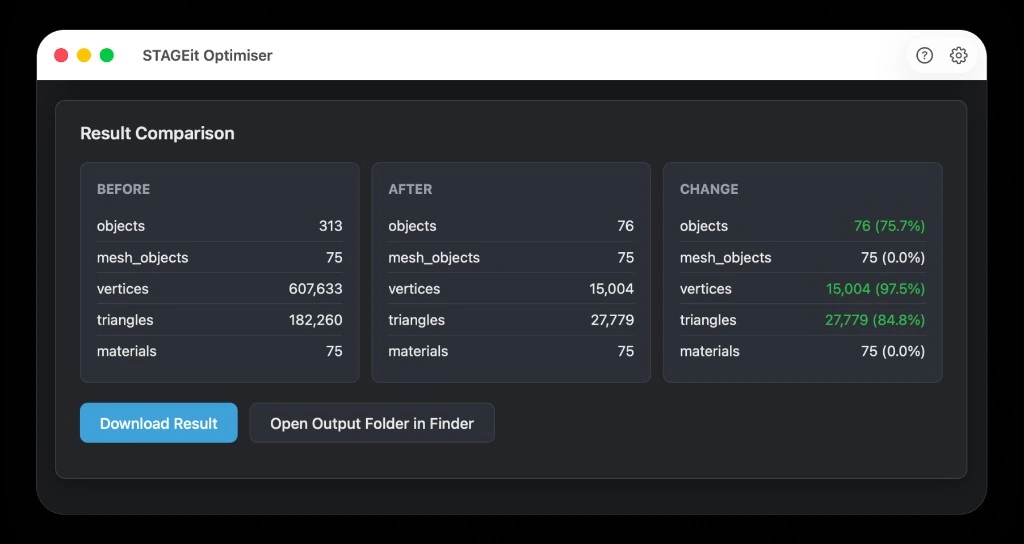
Bring yourmodels. We'll do therest.
STAGEit Optimiser works with a range of popular 3D formats, with more to come.
- blend
- fbx
- obj
- glb
- gltf
- usd
- usda
- usdc
- usdz
Create animated Gaussian Splatsfrom your images & videos
Experiment with animated Gaussian Splats from ordinary images and video. Crop and trim your source, isolate people, control reconstruction depth and generate an animated sequence locally on your Mac.
This is experimental technology, not a room-scanning tool. We’re currently seeing the best results with people, animals and smaller or close-up subjects.
Alpha: currently outputs .splatseq animated Splat Sequences for playback in STAGEit. A .splatseq is an archive of individual splat frames, which can also be extracted for use in other workflows.

Portrait/macro capture example
NB: This Alpha is intended for people, objects, or subjects captured at around 2 metres from the camera. The resulting Splat Sequence is designed to be around 1 metre in real-world scale.
It is not intended for scanning rooms, buildings, or large environments.
Experimental technology: Splat generation uses Apple’s SHARP research model. SHARP is not bundled with STAGEit Optimiser and is downloaded separately when required. Apple’s applicable licence information is provided within the app.
Send From your Mac.Straight into STAGEit.
Host in STAGEit → Connect Optimiser on Mac → Send directly into the scene.
No AirDrop. No manual file transfers. Just create, optimise and send.



Built for our R&D. Free for yours.
FREE · Mac app · No subscription · No payment required
Apple Silicon Only. Blender must be installed separately.
We just ask for a few details so we know who's using STAGEit Optimiser and can keep you updated as it develops.
Thanks — your download should begin shortly.
By downloading you agree to the STAGEit Terms of Use.
Related News
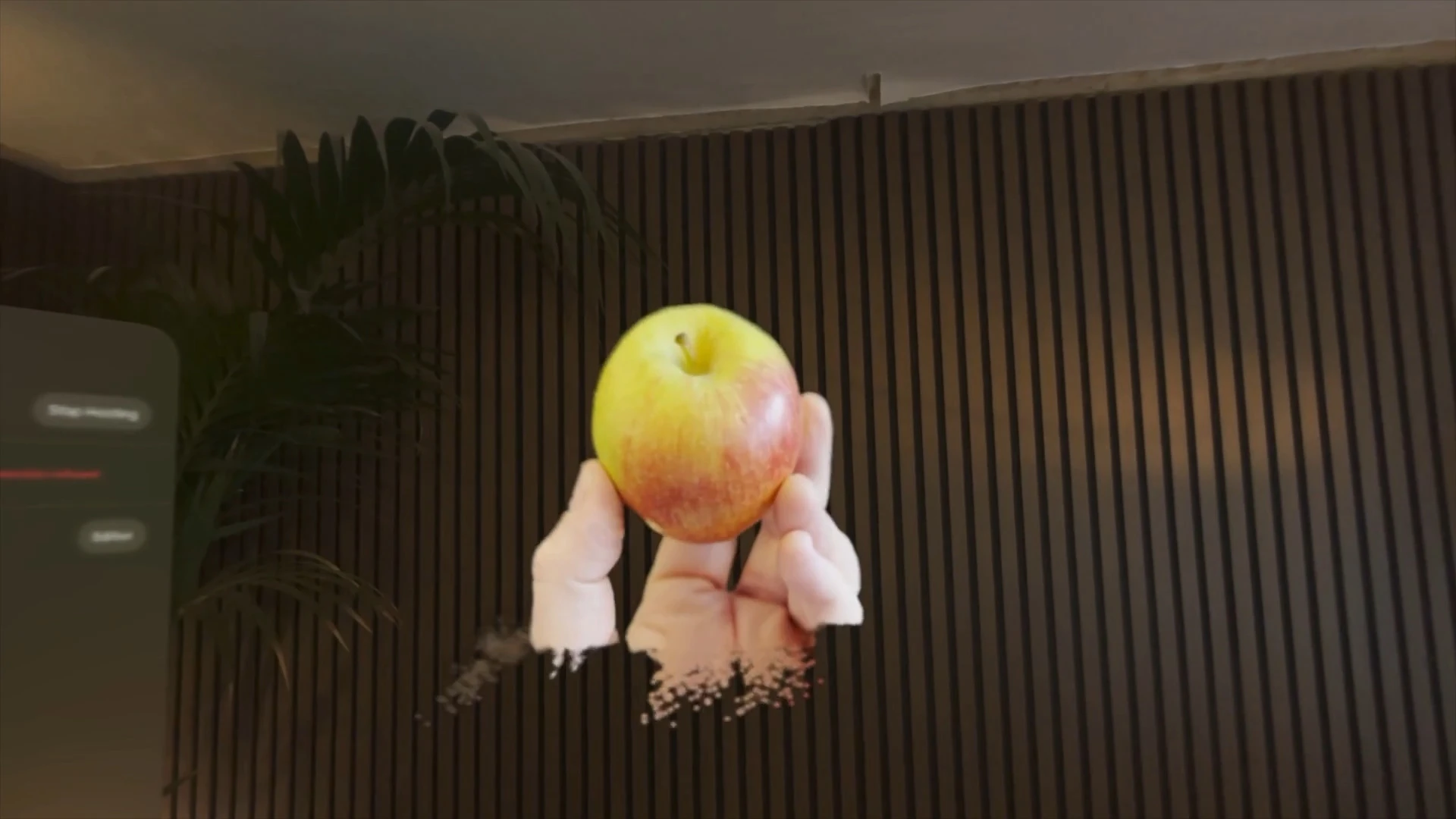
Animated Gaussian Splats in STAGEit Optimiser
We’ve added an experimental tool to STAGEit Optimiser for creating animated Gaussian splats from ordinary video, built on Apple’s SHARP technology.
Read article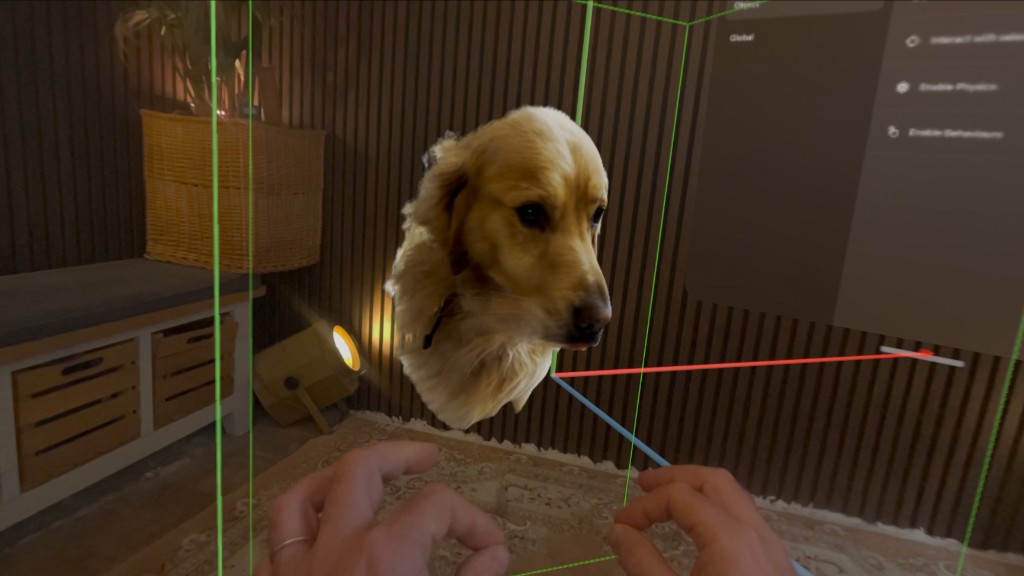
Creating Animated Gaussian Splats on a Mac with STAGEit Optimiser
Spatial Creative is building animated Gaussian Splat creation into STAGEit Optimiser, turning ordinary video and images into animated 3D captures locally on a Mac.
Read article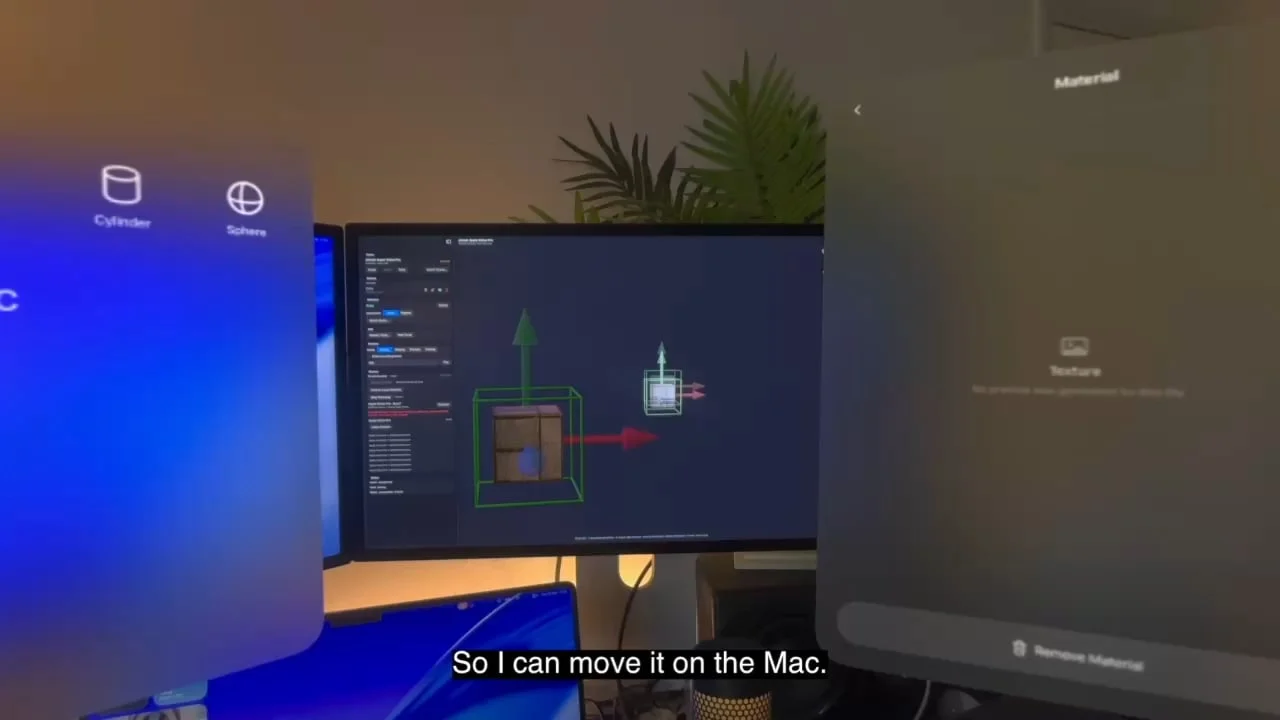
Wireless Scene and Asset Transfer Is Coming to STAGEit
We’re building wireless scene and asset transfer into the new STAGEit engine, making it possible to send content directly between devices without AirDrop.
Read article