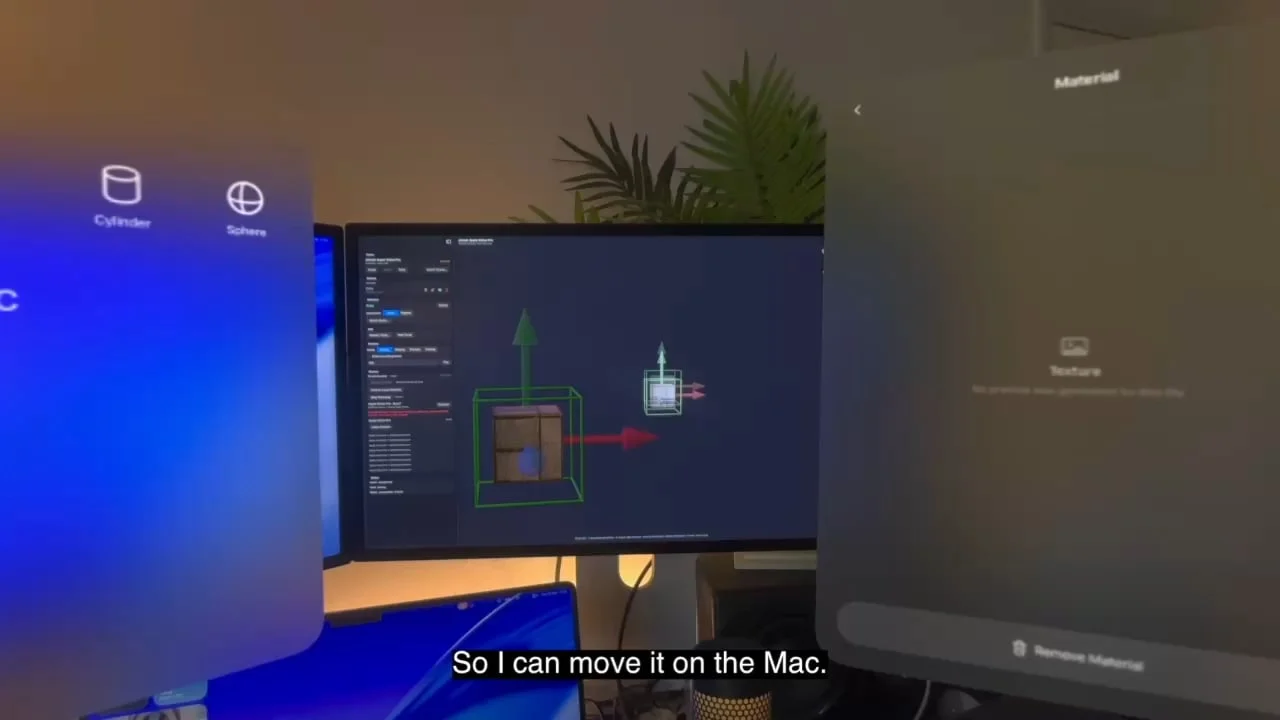
We’re building wireless scene and asset transfer into the new STAGEit engine, allowing models, assets and even complete scenes to move directly between STAGEit devices.
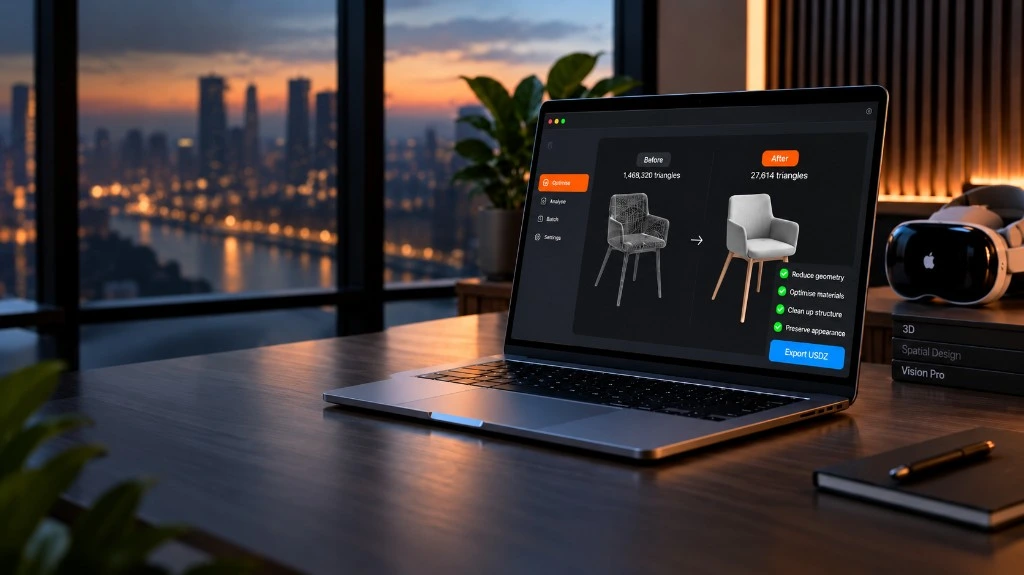
The idea started while we were working on STAGEit Optimiser, our free Mac app for preparing 3D content for Apple Vision Pro. We kept running into the same annoyance: every time we prepared a USDZ, we had to AirDrop it to the headset before we could see it in STAGEit.
So we started wondering if we could get rid of that step entirely.
The timing was good. We’re currently undertaking a major overhaul of the STAGEit engine, and the new architecture has opened the door to much better communication between devices.
Our early tests now have STAGEit transferring assets and even entire scenes wirelessly between devices.
More than replacing AirDrop
Getting rid of the AirDrop step is useful on its own, but the same technology has much bigger implications for how STAGEit works across multiple devices.
It gives us the foundations for syncing content between STAGEit devices and controlling presentations centrally through STAGEit Host.
That’s particularly useful when presenting to people who may never have used a Vision Pro before. SharePlay is great, but getting a group of first-time users connected and into the same experience can add unnecessary friction. Our aim is to let the presenter manage much more of that centrally.
And for existing STAGEit users, there’s another benefit to the engine overhaul: Undo and Redo are finally on the way.
The new engine is still in development, but the early wireless tests are really encouraging. We’re aiming to start rolling these changes out later this year.