STAGEit didn’t start out as a presentation platform.
It grew out of years of work across film, architecture, 3D and immersive technology, and a problem we kept encountering: getting 3D content into VR was much harder than it needed to be.
Architects, designers and production teams already had extraordinary 3D assets. The problem was that experiencing them immersively often meant specialist software, complicated workflows and people who knew their way around a 3D package.
We wanted to make that much simpler.
Making 3D accessible
The original idea behind STAGEit was to make it possible to take 3D content and build an immersive scene without needing to be a game developer or 3D specialist.
Bring in your models. Position them. Light them. Add cameras and animation. Then experience the result at real-world scale.
Architecture was an obvious early use.
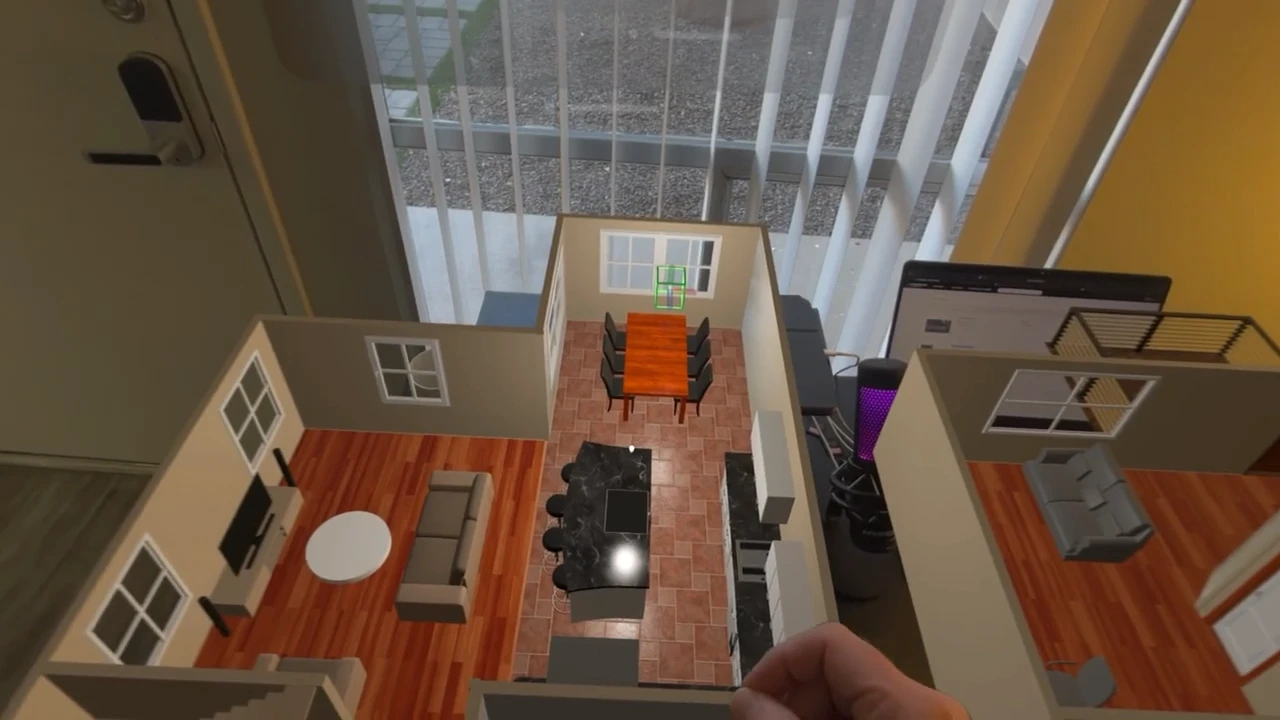
Instead of looking at a CAD model on a monitor, you could stand inside it. You could walk around a proposed building, place furniture at its real size, understand sight lines and make decisions spatially rather than trying to interpret them from a flat screen.
Watch: STAGEit for Architecture Planning on the Apple Vision Pro
But architecture was only the beginning.
Then Apple launched Vision Pro
Apple Vision Pro changed the direction of the project.
The combination of high-quality passthrough, accurate tracking and Apple’s spatial computing tools meant we weren’t limited to putting someone inside a virtual model anymore.
We could bring the model into the world around them.
That distinction became increasingly important to STAGEit.
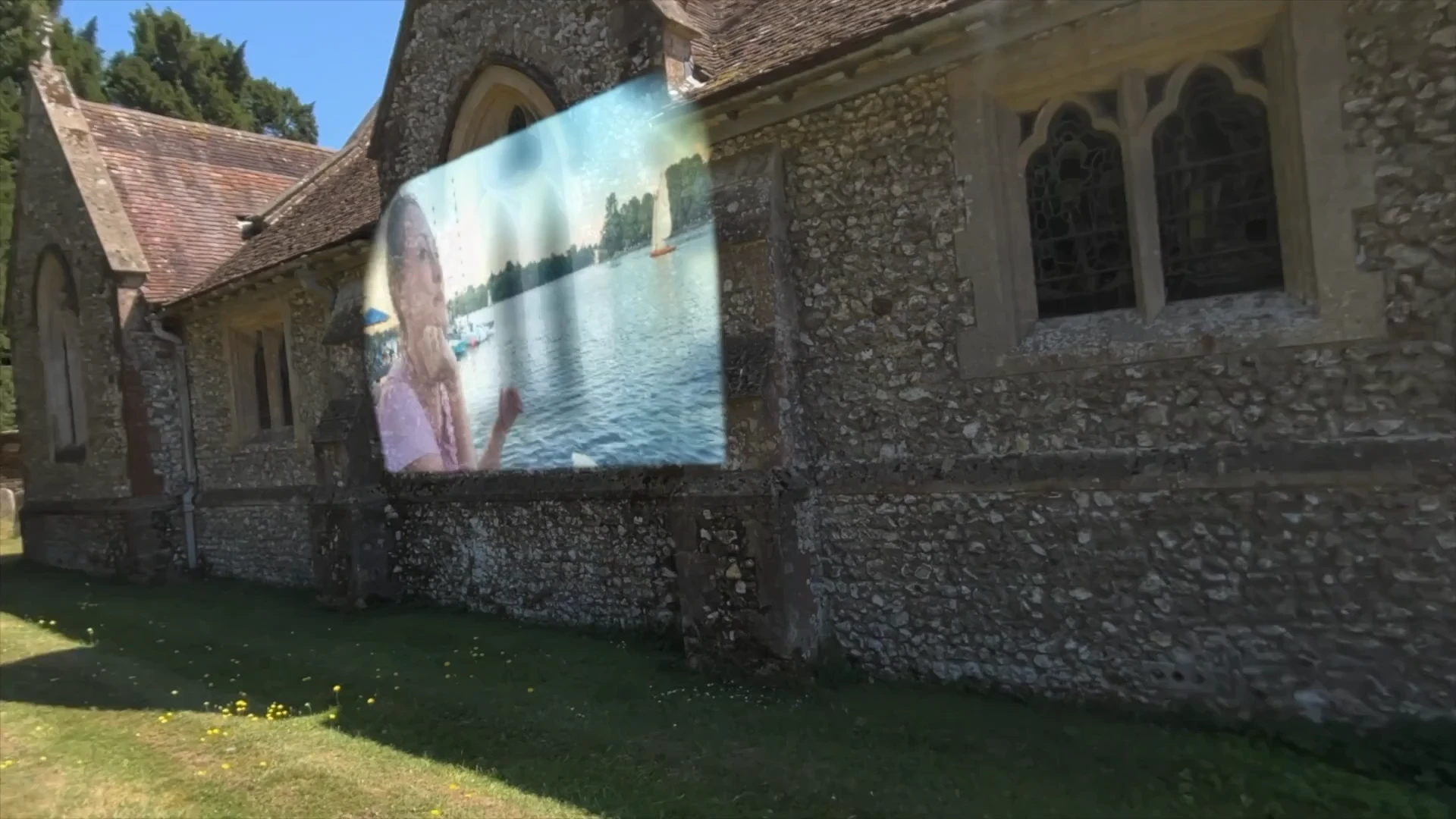
A digital object could sit on a real table. A full-size product could appear in a room before it physically existed. A virtual environment could grow out of the space around you.
And because STAGEit was our own platform, we could keep experimenting.
So we did.
A lot.
Finding out what spatial computing was actually good for
The period after Vision Pro launched was deliberately experimental.
We built physics into STAGEit so objects could behave more naturally in a scene.
We explored digital twins, taking real objects and environments and bringing them into spatial experiences.
We experimented with portals and immersive environments.
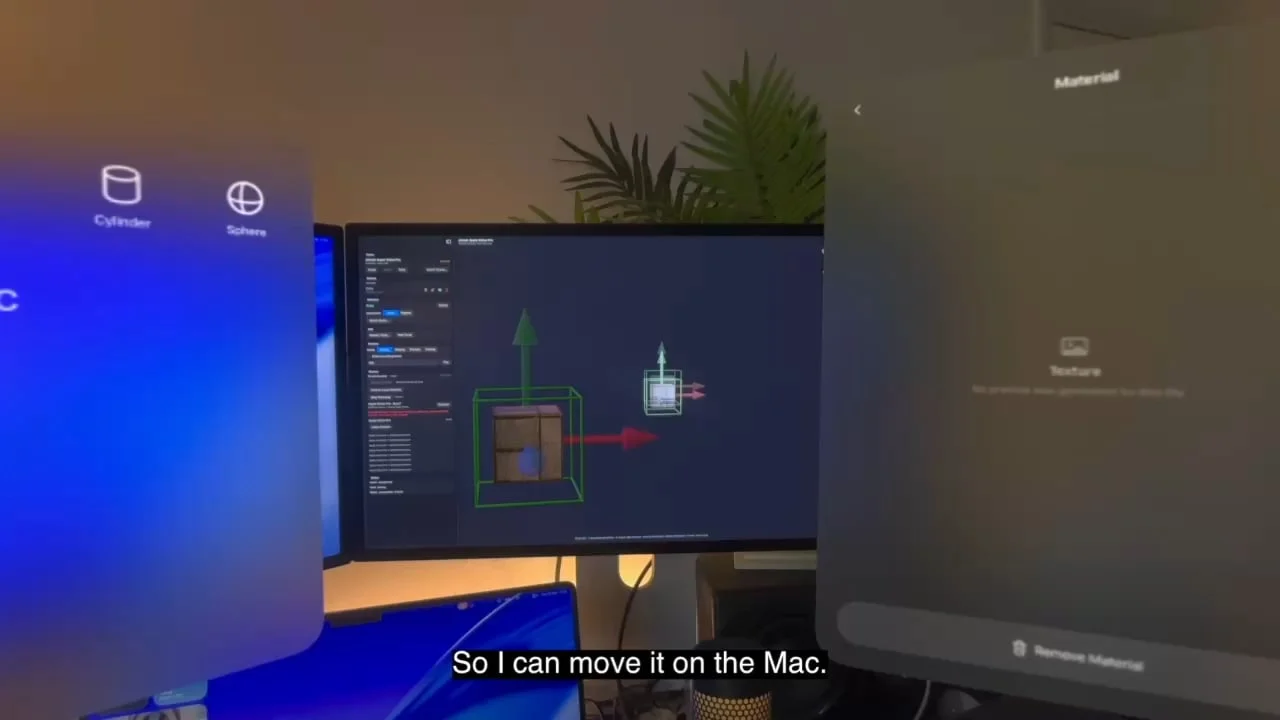
We connected the virtual and physical worlds in other ways too, including controlling robotics from Vision Pro.
Some experiments became important parts of STAGEit. Others simply taught us something.
That was the point.
Watch: What is STAGEit good for!?
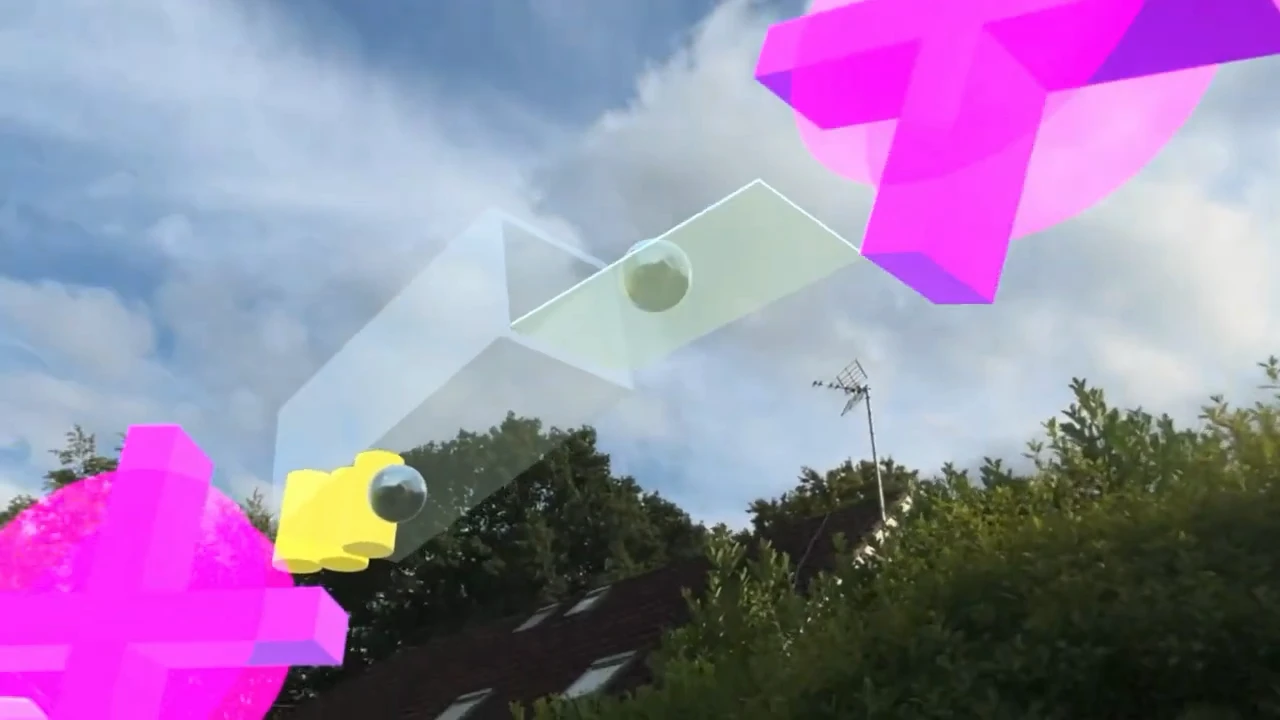
We were trying to understand what became more useful when computing stopped being confined to a screen.
Bringing people into the same experience
It wasn’t only about content.
If spatial computing was going to be useful professionally, people needed to be able to experience things together.
We began experimenting with shared STAGEit experiences using SharePlay, allowing people in different places to enter and interact with the same spatial scene.
Watch: Apple Vision Pro Spatial Meeting using SharePlay
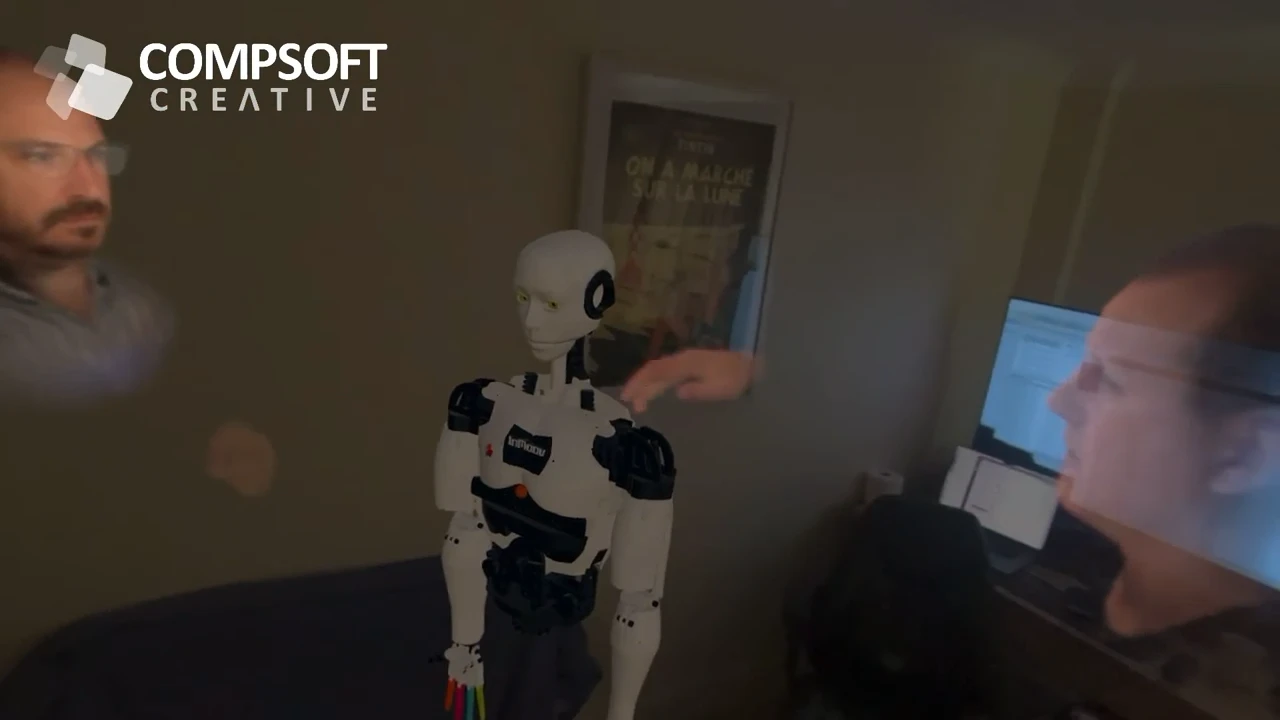
That opened up another set of possibilities.
A designer could be somewhere different from the client. A production team could review a space remotely. People could discuss the same full-scale 3D content while actually standing inside it.
The spatial scene itself became the meeting place.
Connecting the physical and digital worlds
We also started exploring what happened when the connection worked in the other direction.
Digital content could already react to you through Vision Pro’s tracking and interaction systems. But what if you could physically feel something happening in the virtual scene?
That led to our Digital Touch experiments, connecting Apple Vision Pro with haptic gloves so interactions inside STAGEit could produce physical feedback.
Watch: Apple Vision Pro & Haptic Gloves - Introducing Digital Touch
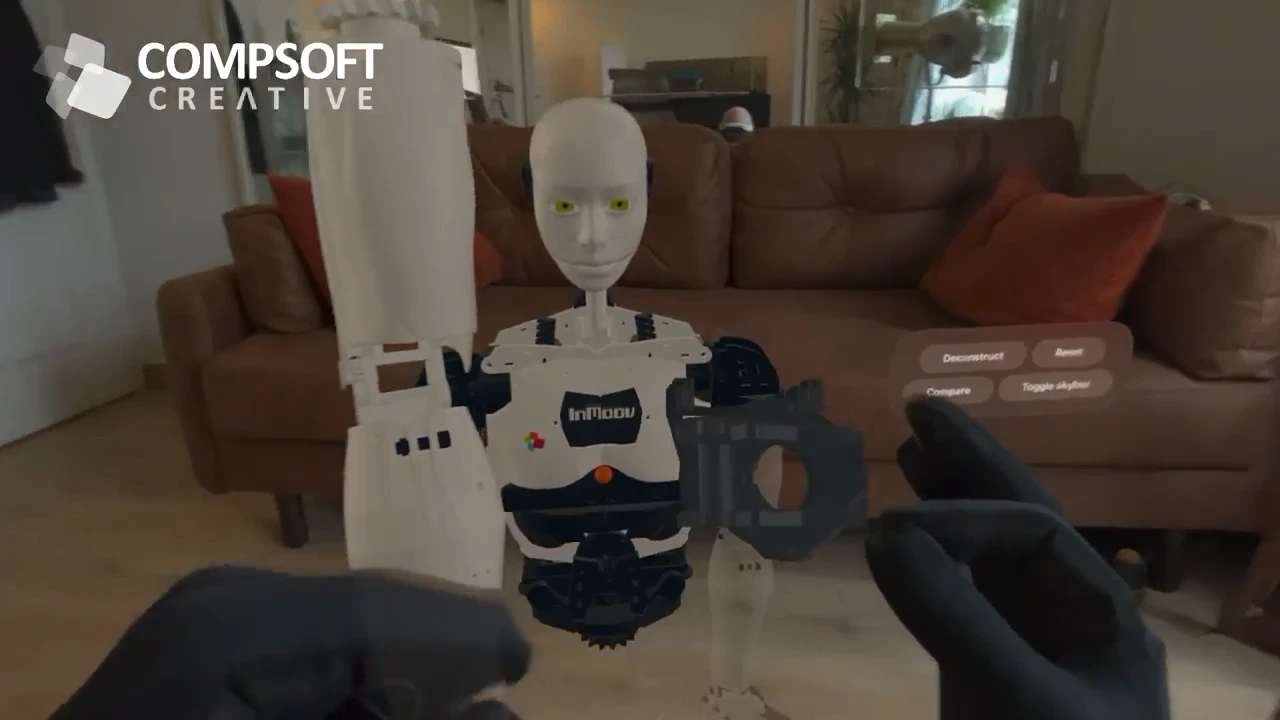
Again, it wasn’t about adding technology for the sake of it. We were exploring how much of the real world could become part of an immersive experience, and how much of the immersive experience could reach back into the real one.
From visualisation to actually doing things
As we used STAGEit on real projects, it became increasingly clear that its value wasn’t simply in viewing 3D content.
It was in using spatial content to communicate something.
We used it for architecture and spatial planning.
We used it to plan theatre productions, allowing sets, props and staging to be worked through spatially before everyone was together in the theatre.
We used it to preview real spaces at 1:1 scale.
We used digital twins and 3D models to explain products and processes.
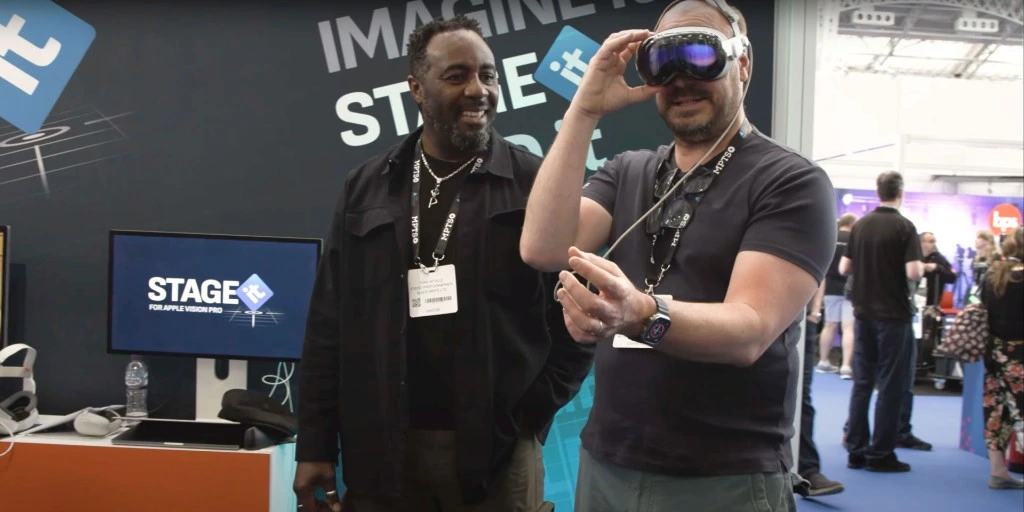
And we began using it at events, where Apple Vision Pro could take an audience somewhere an exhibition stand simply couldn’t.
That last use started to bring the whole thing into focus.
Immersive presentations
At an event, you only have so much physical space to tell a story.
You can build a stand. Put something on a screen. Show a video. Bring a product if it’s small enough.
But some stories don’t fit inside the booth.
For one of our favourite projects, we used STAGEit and Apple Vision Pro to transport conference delegates from Hamburg to Mexico City, combining immersive video with interactive 3D content to tell the story of waste, recycling and the systems being developed to tackle it.
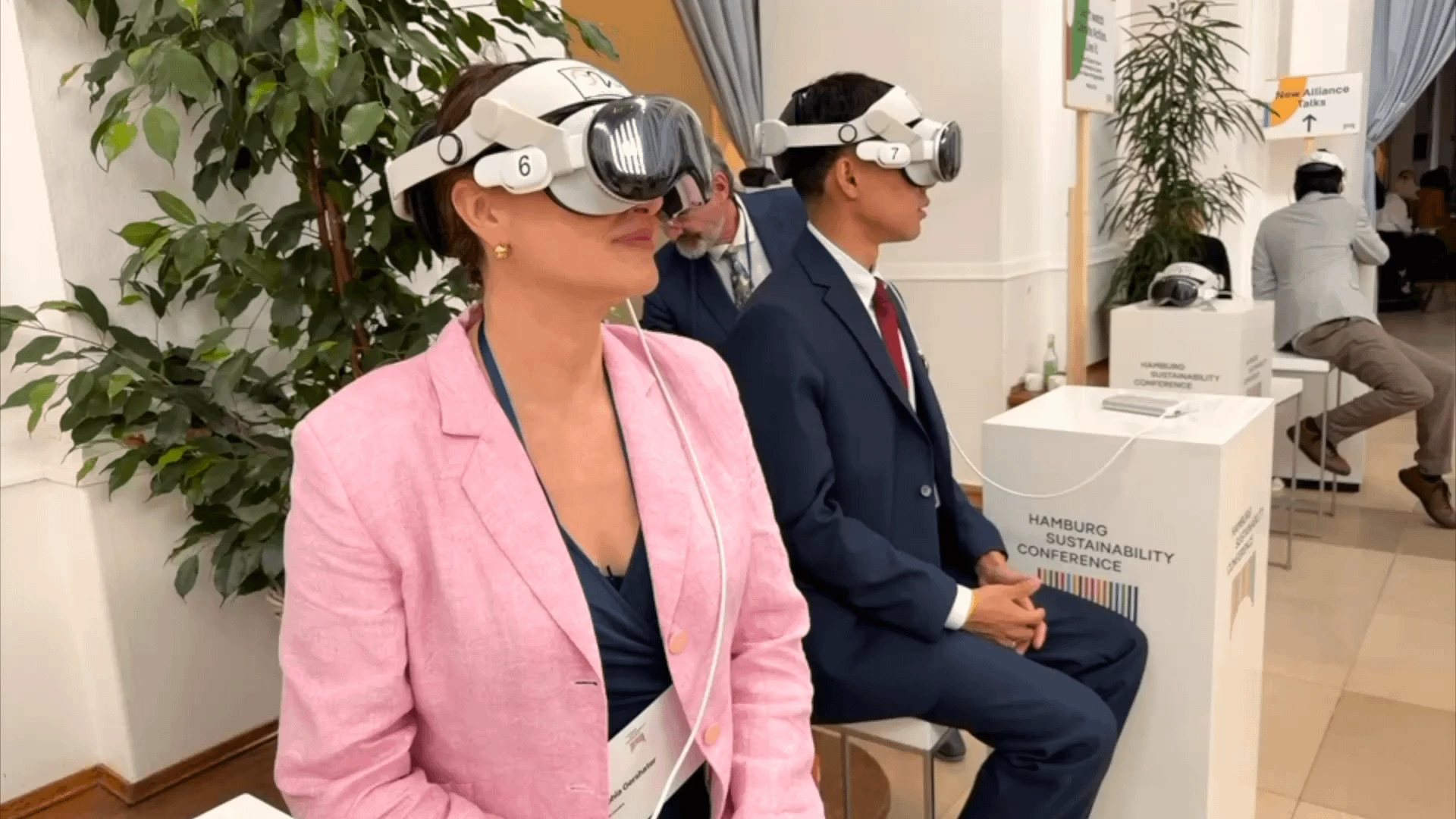
The technology wasn’t the story.
The technology allowed us to tell the story differently.
That became an important distinction for us.
STAGEit wasn’t just a tool for creating spatial scenes. It could become a way of creating and delivering immersive presentations.
Creator, Presenter and Host
That change in focus eventually changed STAGEit itself.
What had originally been STAGEit became STAGEit Creator: the place where the presentation is built.
Creator lets us assemble the spatial content - models, environments, animation, lighting, interactions, immersive media and the other elements that make up an experience.
But the person presenting something shouldn’t need to understand how it was built.
So we created STAGEit Presenter, designed to make the finished presentation straightforward to run and experience.
And when you’re putting multiple people into headsets at an event, you need another level of control.
That’s where STAGEit Host comes in, allowing a presenter to control and coordinate STAGEit experiences across devices.
The platform had started to reflect what we’d learned from actually using spatial computing with audiences.
STAGEit kept absorbing what Vision Pro could do
At the same time, the underlying technology kept moving.
We added Gaussian Splats, allowing captured real-world objects and environments to become part of STAGEit scenes.
Then we got animated Gaussian Splats running.
Immersive video gave us another way to transport an audience completely away from the room they’re standing in.
visionOS 27 brought cloth, projectors and wind, giving digital content new ways to behave like part of the physical environment.
Lighting and physics continued to improve.
And the new STAGEit engine we’re building is giving us much richer communication between devices, including wireless transfer of assets and entire scenes.
The list of things STAGEit can do has become considerably longer than the one we started with.
But the goal has actually become simpler.
Create in 3D. Present in the real world.
Today, we think about STAGEit as a platform for immersive presentations.
Sometimes that means bringing digital content into the room around the audience.
Sometimes it means transporting them somewhere completely different.
Sometimes it’s an interactive 3D model, a Gaussian Splat or an animation.
Sometimes it’s immersive video.
And increasingly, it’s a combination of all of them.
Looking back, the experiments with architecture, physics, robotics, digital twins, SharePlay, haptics and everything else weren’t detours.
They were how we worked out what STAGEit was for.
Create in 3D. Present in the real world.